
Product Design
Building eCommerce Experiences That Are Easy to Shop and Easy to Operate
Good eCommerce work has two audiences: the buyer shopping the store and the business team maintaining the catalog.
Waleed Ashraf
Zyvor
5 min read
Product Design
Building eCommerce Experiences That Are…
A premium store should be easy to shop and practical to operate.
Good eCommerce work has two audiences: the buyer shopping the store and the business team maintaining the catalog.
Luxury products depend on visual confidence, product storytelling, responsive discovery, and a checkout path that does not distract from the purchase. The article below is the decision frame behind that pattern: what to notice, what to protect, and how to keep the product coherent as it grows.
1. Start with the right problem
Luxury products depend on visual confidence, product storytelling, responsive discovery, and a checkout path that does not distract from the purchase. Teams often feel this first as delivery friction, unclear ownership, or a product that looks finished but is hard to operate.
The useful move is not to start with screens, stack choices, or a rewrite. It is to name the operating problem with enough precision that design, engineering, and commercial teams can share it.
2. Hold one principle, not five products
Build reusable commerce structures so merchandising feels premium while catalog expansion remains manageable.
A premium store should be easy to shop and practical to operate.
3. Why it matters in practice
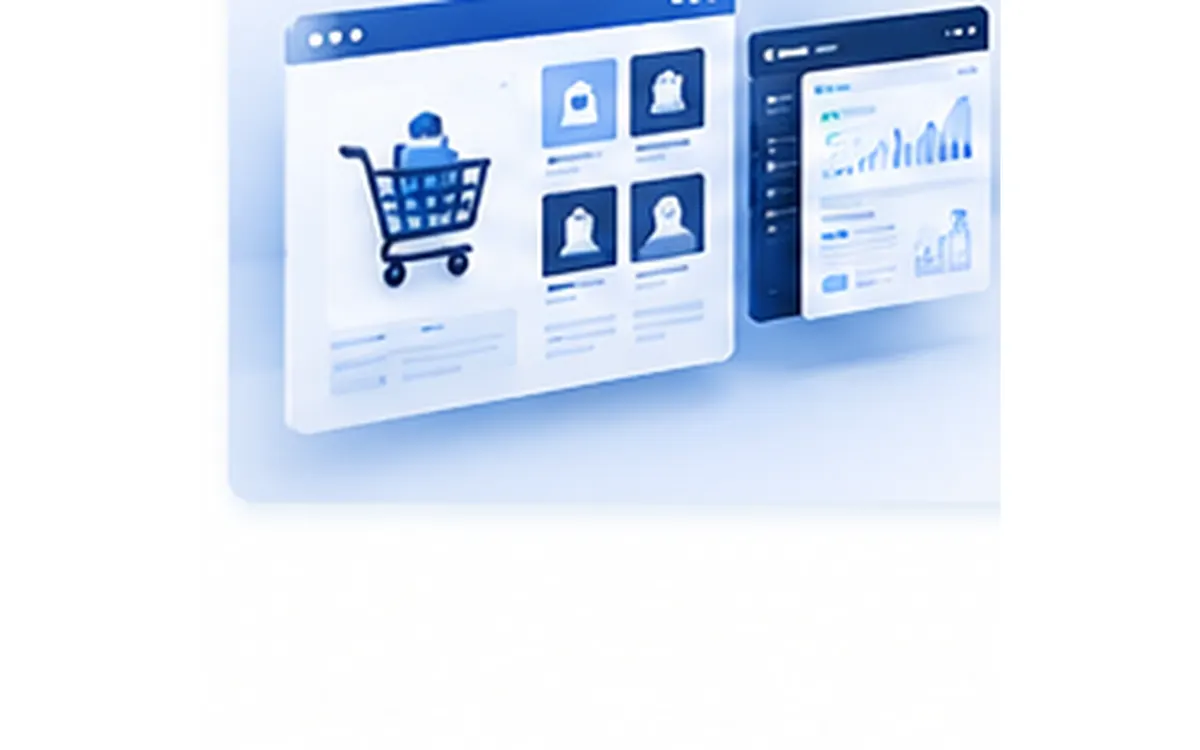
A storefront can look polished but become difficult to operate if every collection or product page requires custom handling.
When that principle is missing, every new role, channel, or feature creates another local solution. The product still ships. The operating model quietly fragments.
4. How the decision works
The sequence is more important than the tooling. A team can apply the same idea in a marketplace, a multi-portal platform, or a service website if the underlying model stays shared.
- Create reusable product-detail structures.
- Keep search, collections, and product discovery simple.
- Use responsive design to preserve shopping intent on mobile.
- Connect analytics and marketing tooling without complicating the storefront.
A simple sequence teams can actually use
01
Discover
Create reusable product-detail structures.
02
Define
Keep search, collections, and product discovery simple.
03
Design
Use responsive design to preserve shopping intent on mobile.
04
Build
Connect analytics and marketing tooling without complicating the storefront.
5. Where this usually fails
Most failures are not dramatic. They look like duplicated workflows, status names that drift, or a mobile experience that cannot carry the same decision the desktop product makes.
- Product pages are designed as one-off layouts.
- Mobile shopping is treated as a smaller desktop page.
- Search is present but not useful for product discovery.
- Store operations depend on developer intervention for routine catalog updates.
6. A practical approach
The recommended path is deliberately small. It is meant to create leverage without turning the article into a delivery plan.
- Start with catalog and collection structure.
- Design reusable product templates around buying confidence.
- Validate mobile product discovery before launch.
- Keep storefront maintainability as a design requirement.
From this insight
Key takeaways
The points worth carrying into your next product or architecture conversation.
Start with the real user job
Start with catalog and collection structure.
Design for adoption
Design reusable product templates around buying confidence.
Keep the system coherent
Validate mobile product discovery before launch.
Ship with intention
Keep storefront maintainability as a design requirement.
More insights for product builders


Next step
Turn your ideas into impact.
If this way of thinking is already familiar, we can help you turn it into a product people can use.