
Business
How to Structure Corporate Websites With Multiple Service Lines
Corporate websites with several service lines need one shared structure, not a separate mini-site for every service.
Waleed Ashraf
Zyvor
5 min read
Business
How to Structure Corporate Websites With…
Multi-service corporate websites need consistency more than complexity.
Corporate websites with several service lines need one shared structure, not a separate mini-site for every service.
Translation, interpreting, recruitment, company credibility, and enquiry paths need to feel connected without flattening the differences between services. The article below is the decision frame behind that pattern: what to notice, what to protect, and how to keep the product coherent as it grows.
1. Start with the right problem
Translation, interpreting, recruitment, company credibility, and enquiry paths need to feel connected without flattening the differences between services. Teams often feel this first as delivery friction, unclear ownership, or a product that looks finished but is hard to operate.
The useful move is not to start with screens, stack choices, or a rewrite. It is to name the operating problem with enough precision that design, engineering, and commercial teams can share it.
2. Hold one principle, not five products
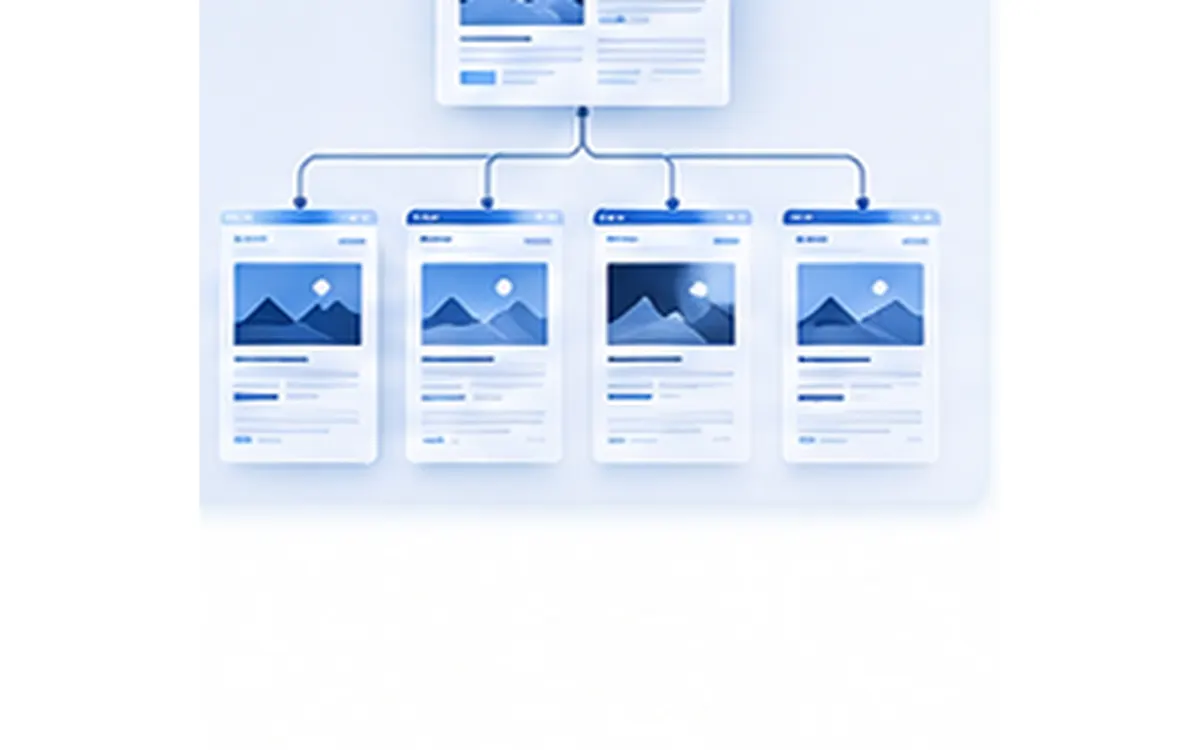
Use a common information hierarchy and reusable page structures across service lines.
Multi-service corporate websites need consistency more than complexity.
3. Why it matters in practice
Fragmented navigation makes the business feel harder to understand than it really is.
When that principle is missing, every new role, channel, or feature creates another local solution. The product still ships. The operating model quietly fragments.
4. How the decision works
The sequence is more important than the tooling. A team can apply the same idea in a marketplace, a multi-portal platform, or a service website if the underlying model stays shared.
- Define the main service lines clearly.
- Use common page patterns for each service.
- Keep corporate credibility visible across the site.
- Make contact paths consistent from every service area.
5. Where this usually fails
Most failures are not dramatic. They look like duplicated workflows, status names that drift, or a mobile experience that cannot carry the same decision the desktop product makes.
- Every service page uses a different layout.
- Recruitment and language services compete for navigation attention.
- About and credibility content are too far from service evaluation.
- Mobile users cannot understand the full service mix quickly.
6. A practical approach
The recommended path is deliberately small. It is meant to create leverage without turning the article into a delivery plan.
- Create a shared corporate navigation model.
- Use reusable service page components.
- Write service content around buyer understanding.
- Preserve simple contact paths across all services.
From this insight
Key takeaways
The points worth carrying into your next product or architecture conversation.
Solve the real problem
Create a shared corporate navigation model.
Validate with evidence
Use reusable service page components.
Sequence before scale
Write service content around buyer understanding.
Keep the decision usable
Preserve simple contact paths across all services.



Next step
Turn your ideas into impact.
If this way of thinking is already familiar, we can help you turn it into a product people can use.